Best IPTV Apps for Lemo TV Streaming
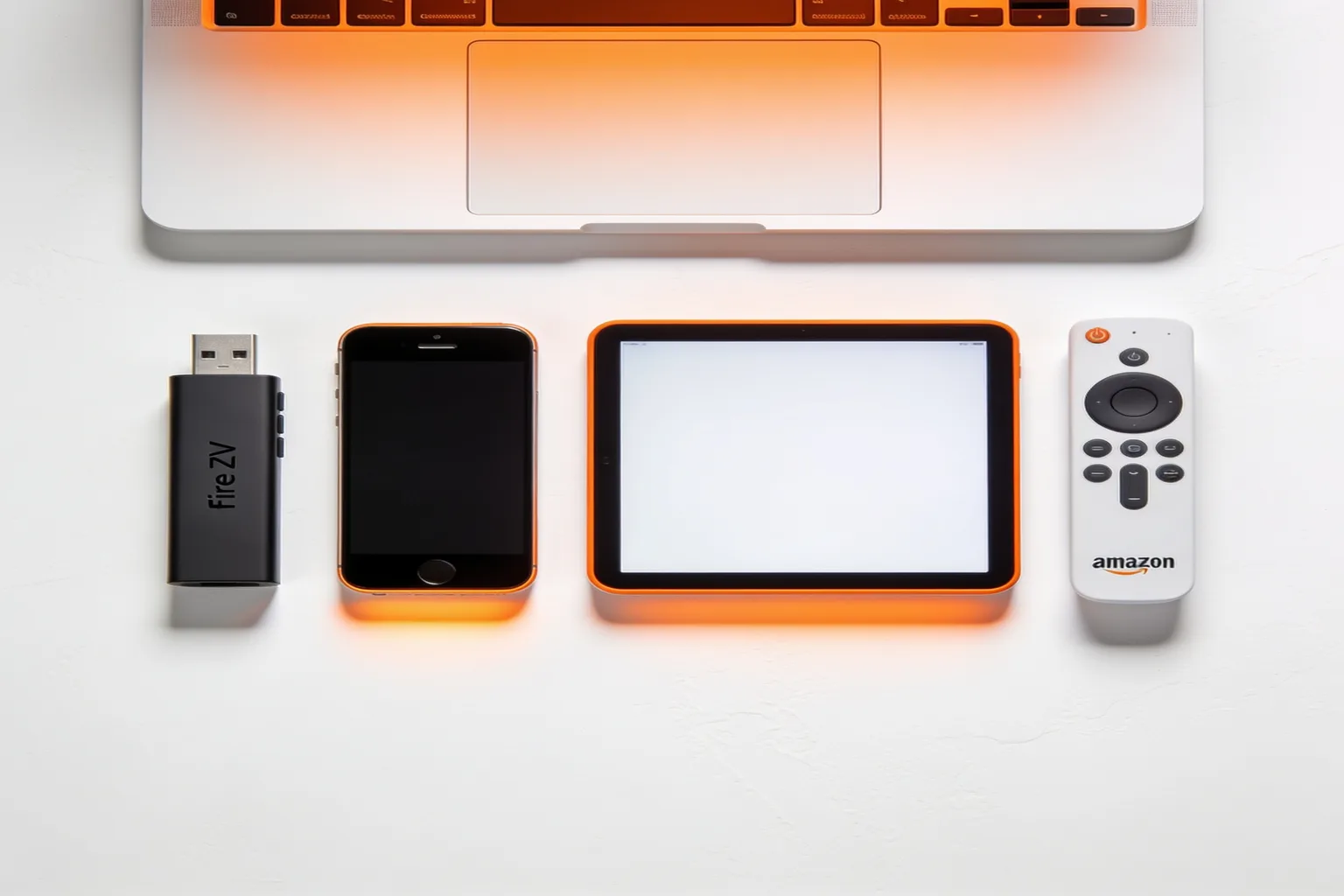
The app you use matters almost as much as the service behind it. A great IPTV service with a clunky player still feels clunky, while the best iptv app for lemo tv turns a solid service into something genuinely enjoyable to watch. The good news is that Lemo IPTV works with the most popular players, so you can pick the one that fits your device and your habits.
Below are the five apps we see people reach for again and again, what each one does well, and a quick comparison table to help you choose.
IPTV Smarters Pro — best overall
If you only try one app, make it this one. IPTV Smarters Pro is free, runs on Firestick, Android, iOS, Windows, and Mac, and supports multiple playlists, a clean 7-day EPG, and catchup. It's the app we recommend in our setup guide for almost every device, and it pairs cleanly with Lemo IPTV credentials right out of the box.
TiviMate — best for Android
TiviMate is the favorite among Android power users, especially on TV boxes and Firestick. The free version is limited, but the one-time premium upgrade adds multi-playlist support, a polished multi-row EPG, and a genuinely fast interface. If you live on Android and want the most customizable experience, this is it.
Perfect Player — lightweight and fast
Perfect Player is the pick when you want something lightweight. It loads quickly, uses few resources, and runs well on older boxes that struggle with heavier apps. The interface is more utilitarian than pretty, but for pure speed on modest hardware it's hard to beat.
GSE Smart IPTV — cross-platform
GSE Smart IPTV is a strong cross-platform option, particularly useful on iOS and Mac where the app selection is thinner. The free version handles playlists and EPG well, and it's a reliable fallback if your primary app misbehaves.
Set IPTV — built for Smart TVs
Set IPTV is purpose-built for Smart TVs and is a popular choice on Samsung and LG sets. It's a paid app, but it's optimized for a remote-control experience, which matters a lot when you're navigating thousands of channels from the couch.
Comparison table
| App | Devices | Price | Best for |
|---|---|---|---|
| IPTV Smarters Pro | All | Free | Overall |
| TiviMate | Android | Paid (one-time) | Power users |
| Perfect Player | Android / Windows | Free | Lightweight |
| GSE Smart IPTV | iOS / Android | Free | iOS |
| Set IPTV | Smart TV | Paid | Smart TVs |
How to choose
Match the app to your device first. On Firestick, Android, iOS, Windows, or Mac, start with IPTV Smarters Pro — it's free and covers everything. If you're on Android and want to go deeper, add TiviMate. If you're watching straight on a Samsung or LG TV, Set IPTV gives the best remote-friendly experience. The point is you're never stuck: your Lemo IPTV credentials work across all of them.
Apps FAQ
Which app should I use on Firestick?
Do I need to pay for an app?
Can I use more than one app?
TiviMate vs IPTV Smarters Pro: which wins?
These two are the apps Lemo IPTV users argue about most, and the honest answer is that both are excellent for different reasons. TiviMate's premium tier offers the cleanest, fastest interface on Android, with a multi-row electronic program guide that lets you scan a whole evening of programming at a glance. IPTV Smarters Pro is free, runs on every platform including iOS and Windows, and pairs with your Lemo credentials in seconds. If you stream on a single Android TV box and do not mind a one-time fee, TiviMate is the smoother ride. If you watch across a phone, tablet, and TV and want one login everywhere, start with the IPTV Smarters Pro setup on our setup page.
TiviMate pros and cons
- Pros: the best EPG layout on Android, multi-playlist support, fast channel switching, and scheduled recording.
- Cons: Android only, premium features require a paid upgrade, and there is no native iOS or Windows version.
Perfect Player: the lightweight champion
Perfect Player earns its place on older hardware. If your Firestick or aging Android box stutters on heavier apps, Perfect Player runs lean and gets out of the way. The trade-off is a more basic interface and no built-in catchup, so it works best as a backup player or a pick for a secondary screen rather than your main viewing app.
Televizo: a rising favorite
Televizo has built a loyal following in the last year, and for good reason. It is free, handles both M3U and Xtream Codes playlists cleanly, and offers a bright, modern layout that is easy to navigate with a remote. Setup takes about a minute: install the app, choose Add Playlist, enter your Lemo IPTV Xtream login (URL, username, and password), and the full channel list populates within a few minutes. It is a strong alternative to IPTV Smarters Pro if you want a fresher look, though it lacks the multi-playlist depth of TiviMate.
Setup tips that apply to every app
Whichever player you choose, a few habits keep things running smoothly. Always pull your credentials straight from your activation email rather than retyping from memory, since a single typo breaks the whole login. Give the program guide 10 to 15 minutes to load on first run, because it is pulling a week of programming for thousands of channels. And if one app misbehaves, your Lemo IPTV login works across all of them, so you can switch players without contacting support or changing your plan. For device-by-device installation steps, the complete setup guide covers every platform we support.